10 Best Practices for High-Quality Remote Recording Sessions
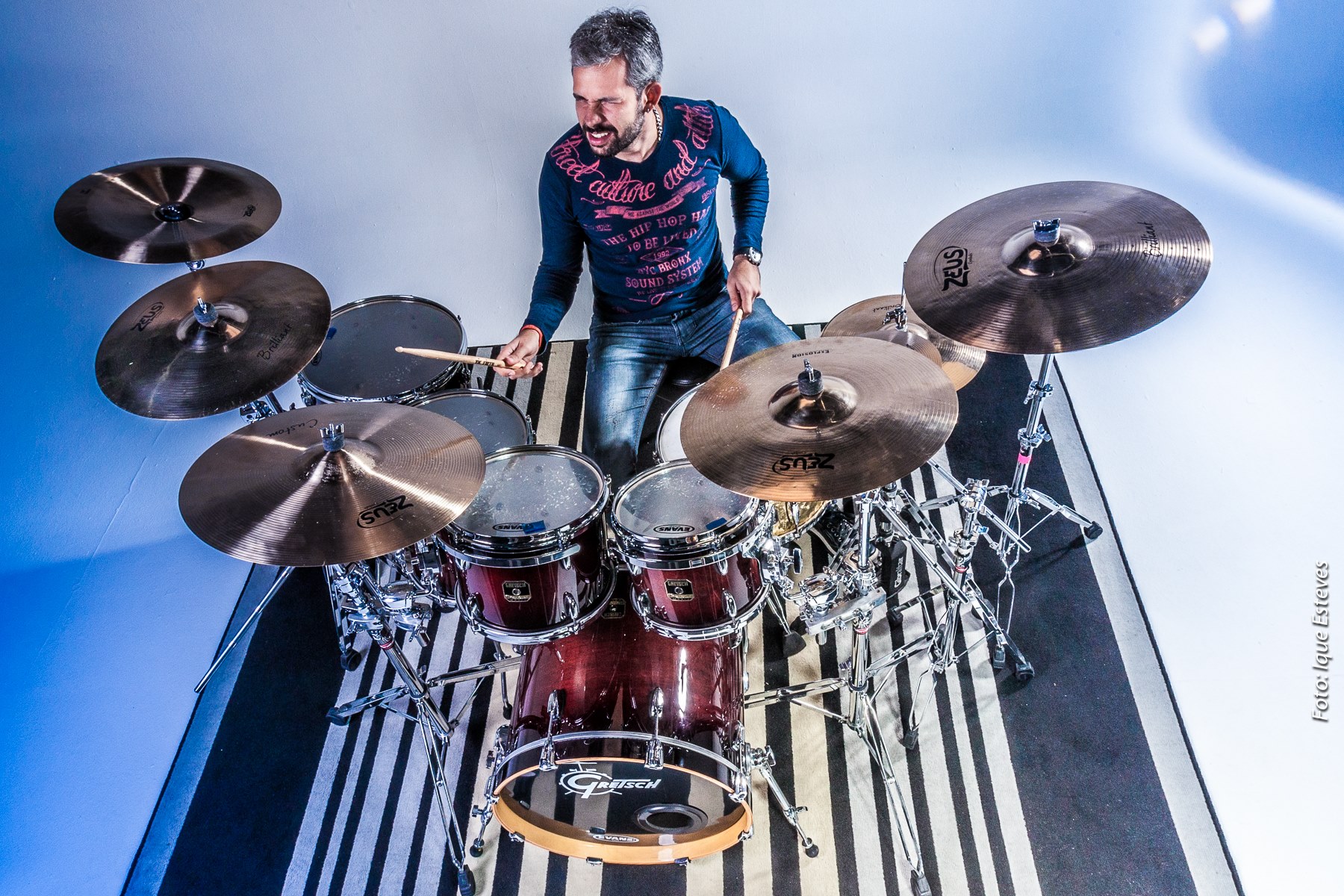
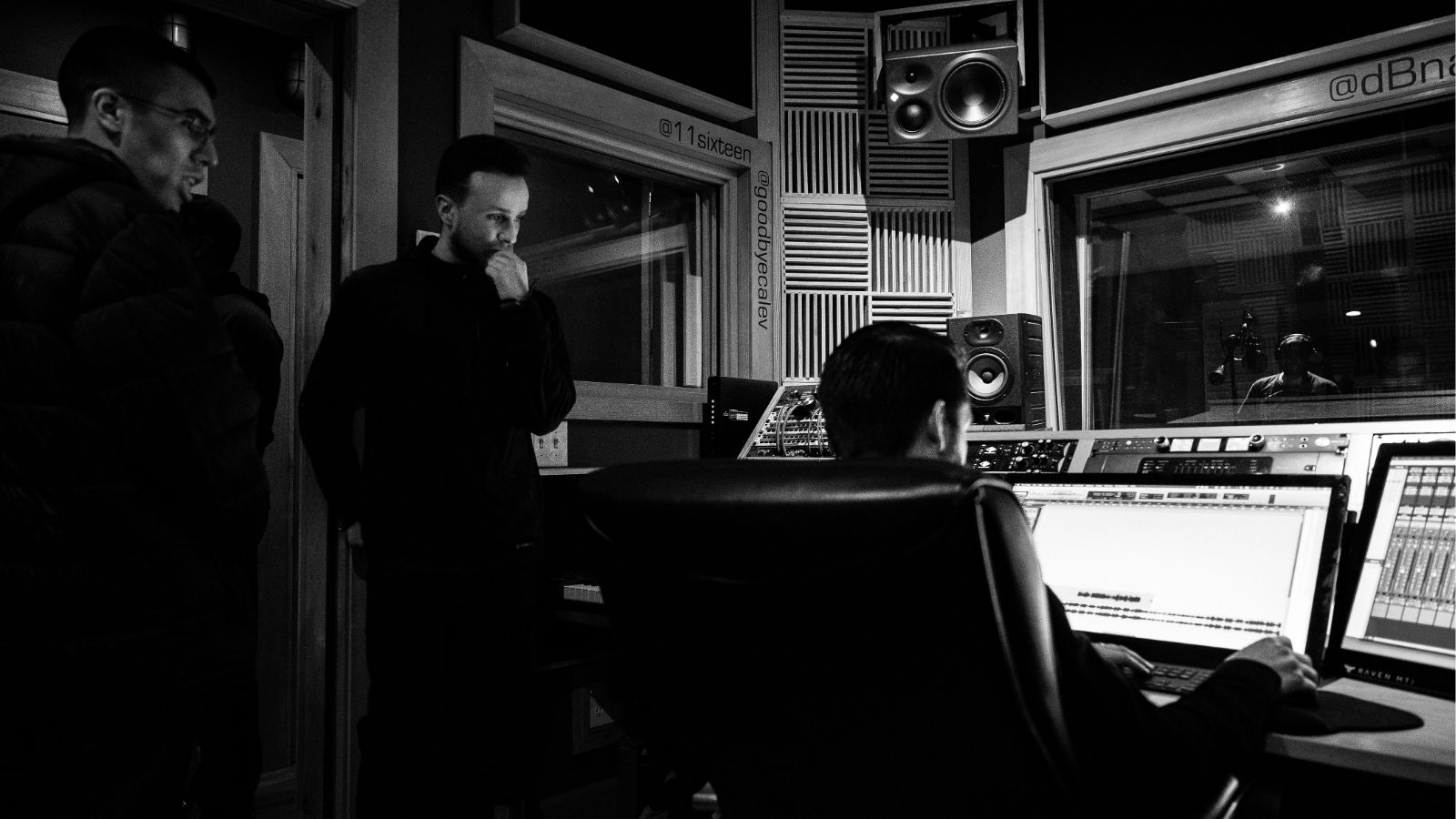
The music industry has embraced remote recording as a standard practice, allowing artists worldwide to collaborate without geographical limitations. At Sessions Boutique, we've perfected the art of remote recording with world-class musicians. Here are our top 10 best practices.
1. Invest in Quality Audio Interface
A professional audio interface is the foundation of great remote recordings. We recommend Universal Audio Apollo series or RME interfaces for their pristine converters and low latency.
Key specs to look for:2. Room Treatment Matters
Even with the best equipment, poor acoustics will ruin your recordings. Basic room treatment includes:
3. Use Professional Microphones
Match your microphone to the source material. Our musicians commonly use:
4. Monitor with Quality Headphones
Accurate monitoring is crucial. We trust:
5. Record at Appropriate Sample Rate and Bit Depth
Standard settings:6. Maintain Proper Input Levels
Peak levels should average around -12dB to -6dB, never exceeding -3dB. This provides headroom for mixing and prevents clipping.
7. Deliver Professional Files
Export specifications:
8. Communication is Key
Before recording:
9. Use a Click Track
Unless specifically going for a loose feel, recording to click ensures:
10. Record Multiple Takes
Professional session musicians typically deliver:
Why Choose Sessions Boutique?
Our musicians have worked with Grammy winners and major label artists. They bring decades of experience to every session, ensuring your remote recordings sound like they were tracked in a world-class studio.
Ready to work with the best? Book a session today and experience the Sessions Boutique difference.